Meme video maker
An editor. You bring the footage, cut it on a timeline, add captions and music, then export. You stay in control, and it takes time and some editing skill.
8trending meme templates, new ones every week
Remake the meme. Star in it.
Pick a trending meme, add one photo and tap once. You get the real clip, with you in it, ready for TikTok and Reels.
Each template is a real trend clip. Open one, add your photo and see the price before you create.
can't hear you now
Sample made from an AI-generated photo.
Fan-made parody of the Enzo celebration trend
One photo in, one stadium moment out. You run to the crowd, cup both hands behind your ears, give them the pout and throw your arms up as the team piles in. Same broadcast shot everyone is remaking, with you as the scorer.
Independent fan-made parody tool. Not affiliated with or endorsed by any player, artist, club, film studio or platform named on this page. Every video is generated by AI from the photo you upload and contains no real footage.
One person, face visible. JPG, PNG or WEBP up to 10MB.
Used only to make your video. Ask us to delete it any time. Privacy
Quality
Credits back if it fails.
Each template is a real trend clip. Open one, add your photo and see the price before you create.

can't hear you now
1 photo, 100 credits
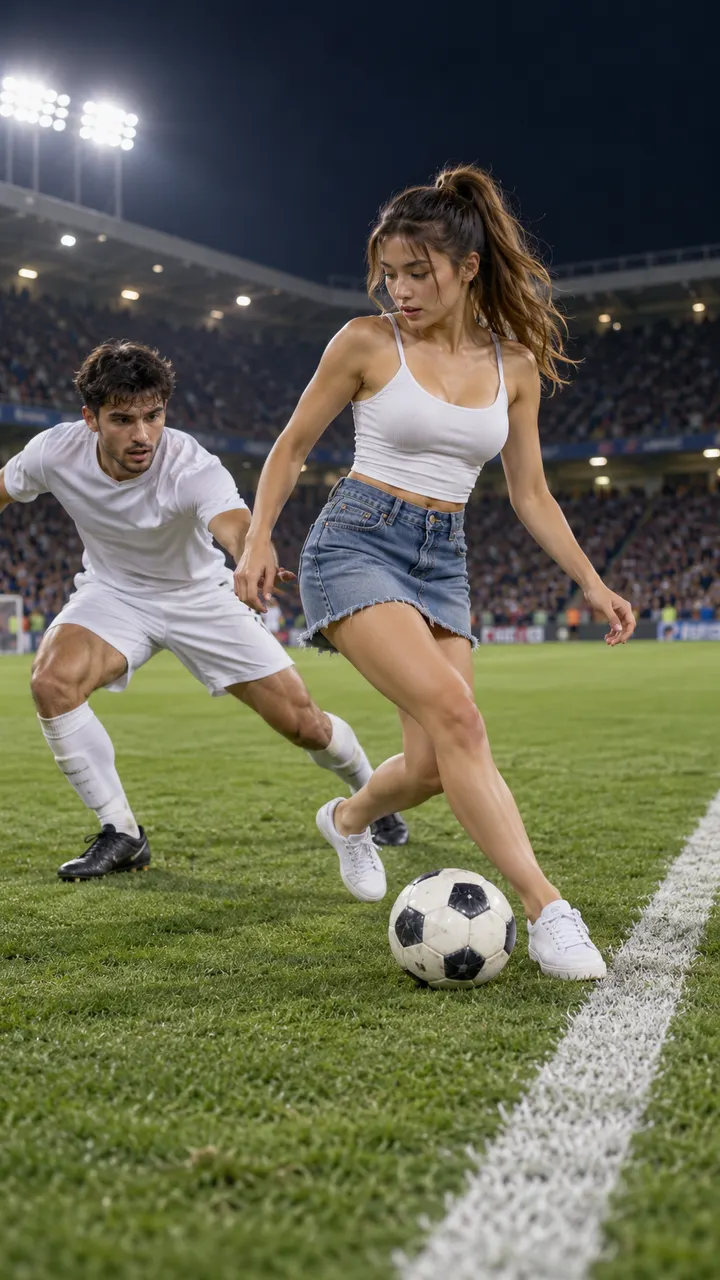
a rabona, maybe a semi-rabona
1 photo, 100 credits
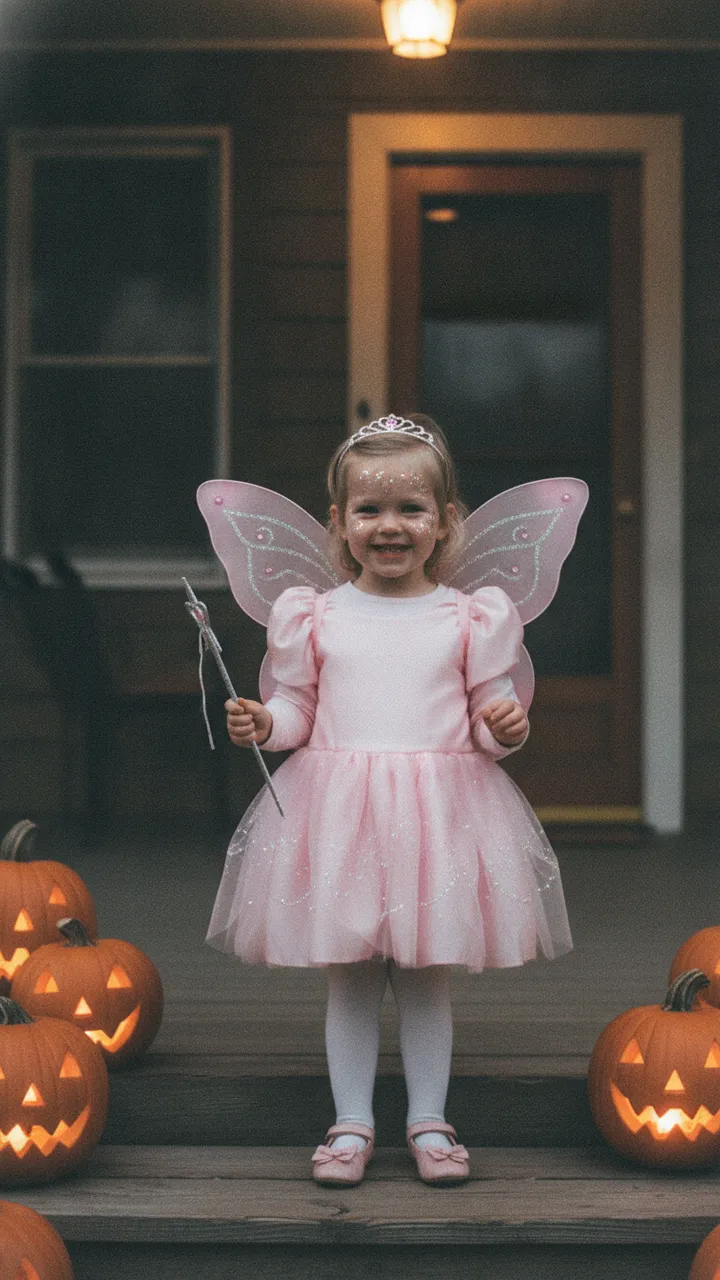
i'm so sorry... i lied
1 photo, 30 credits
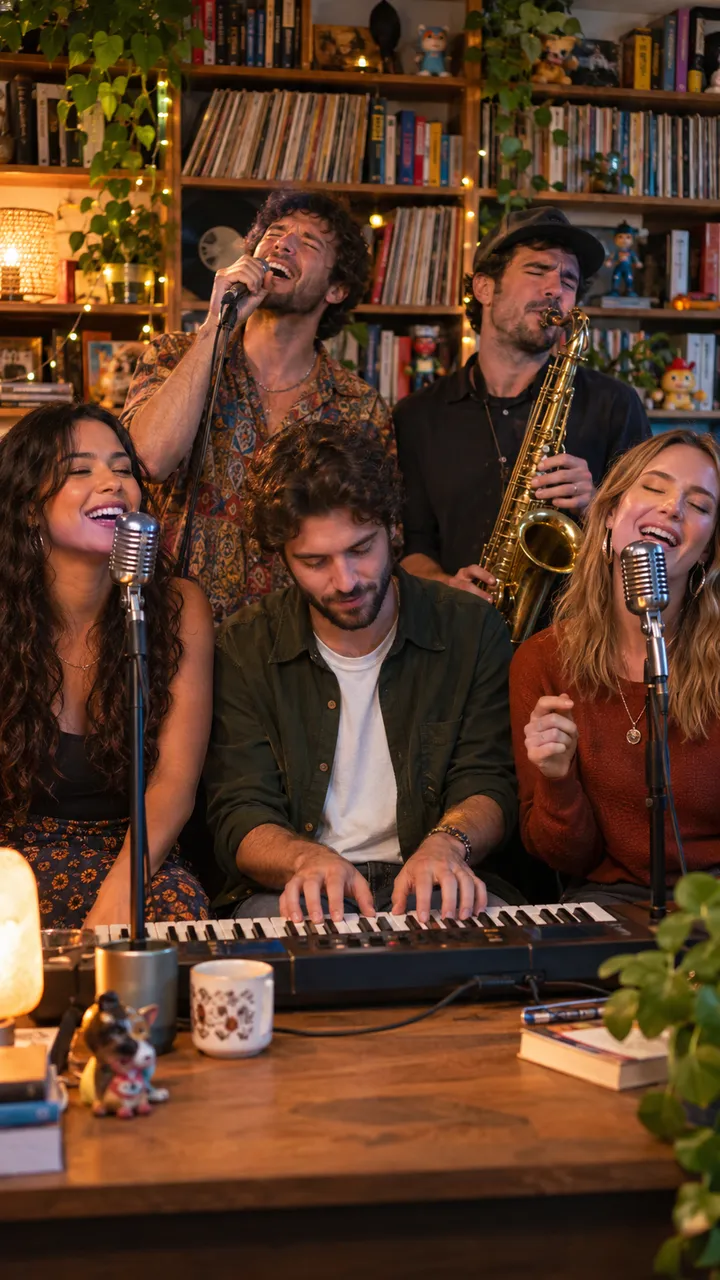
the whole band is us
5 photos, 100 credits
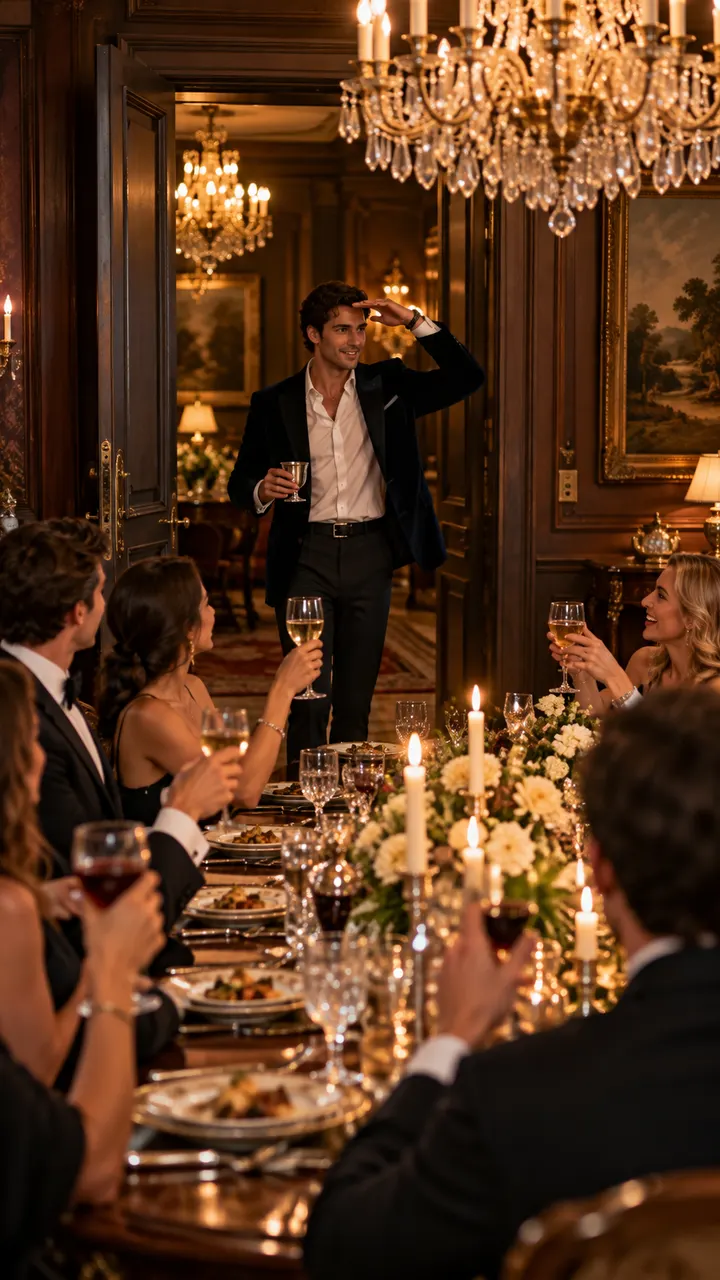
where she at?
1 photo, 100 credits
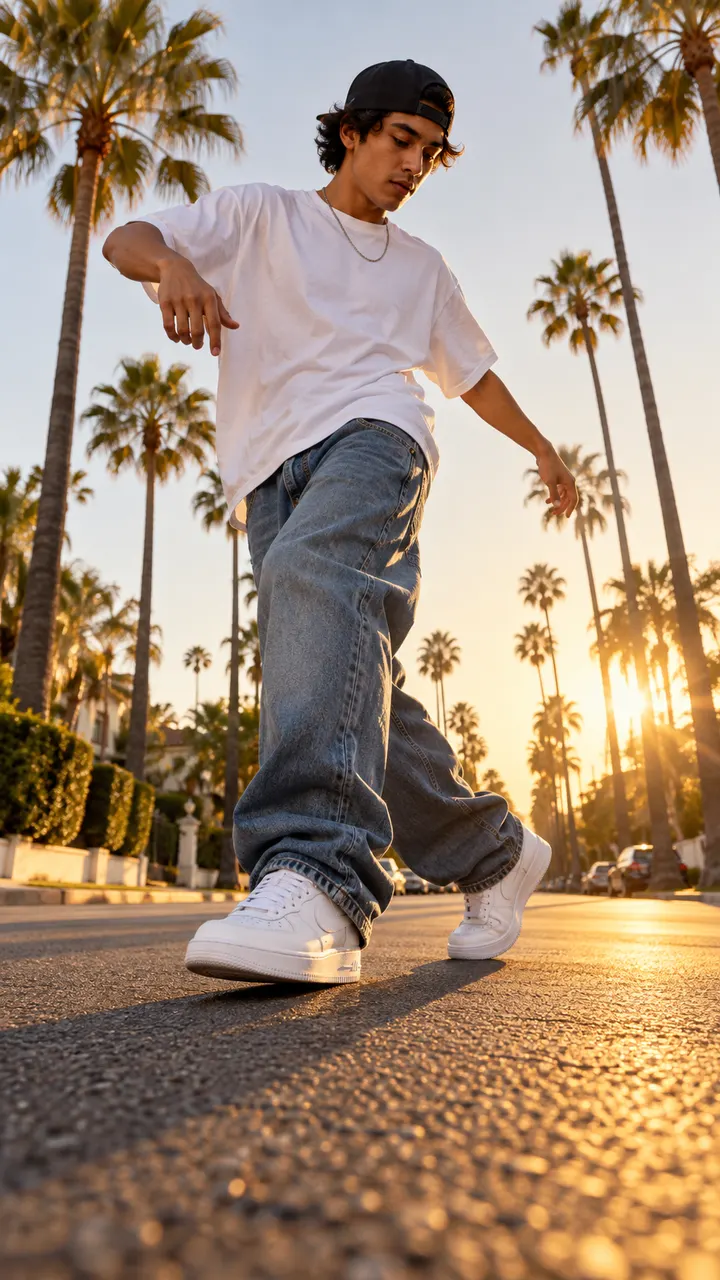
heel toe, heel toe
1 photo, 100 credits
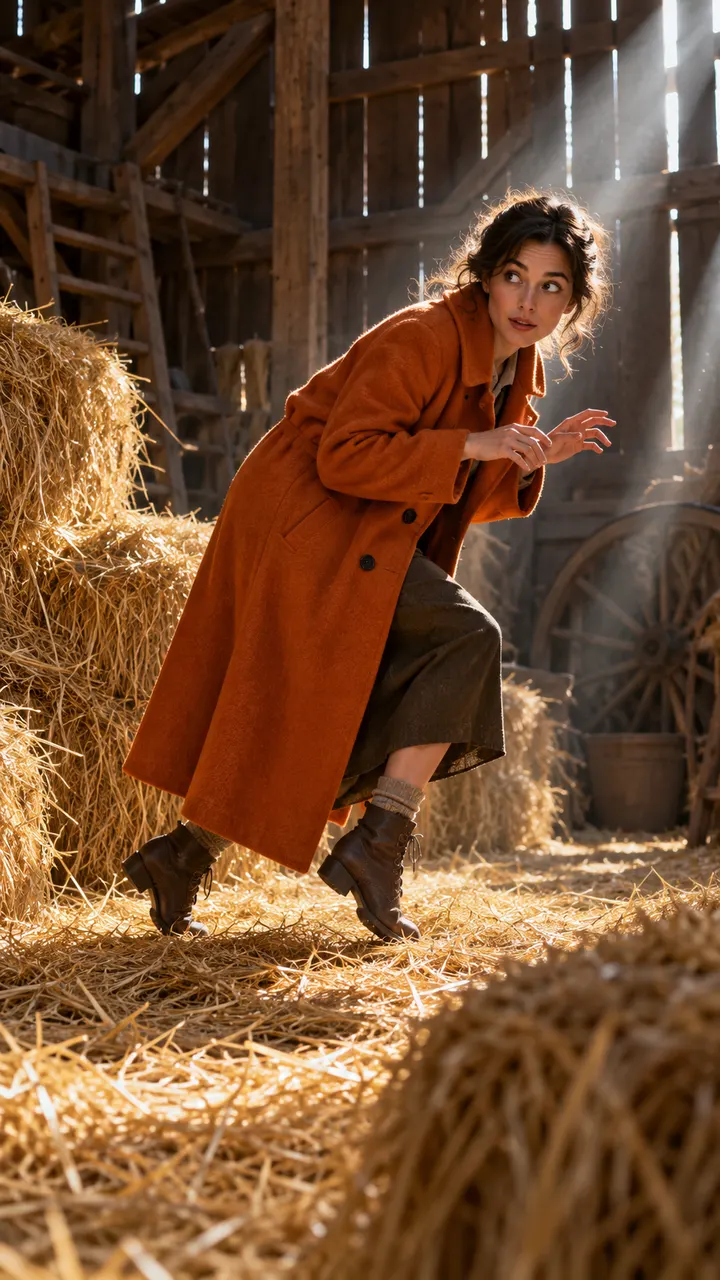
nobody knows my name
1 photo, 100 credits
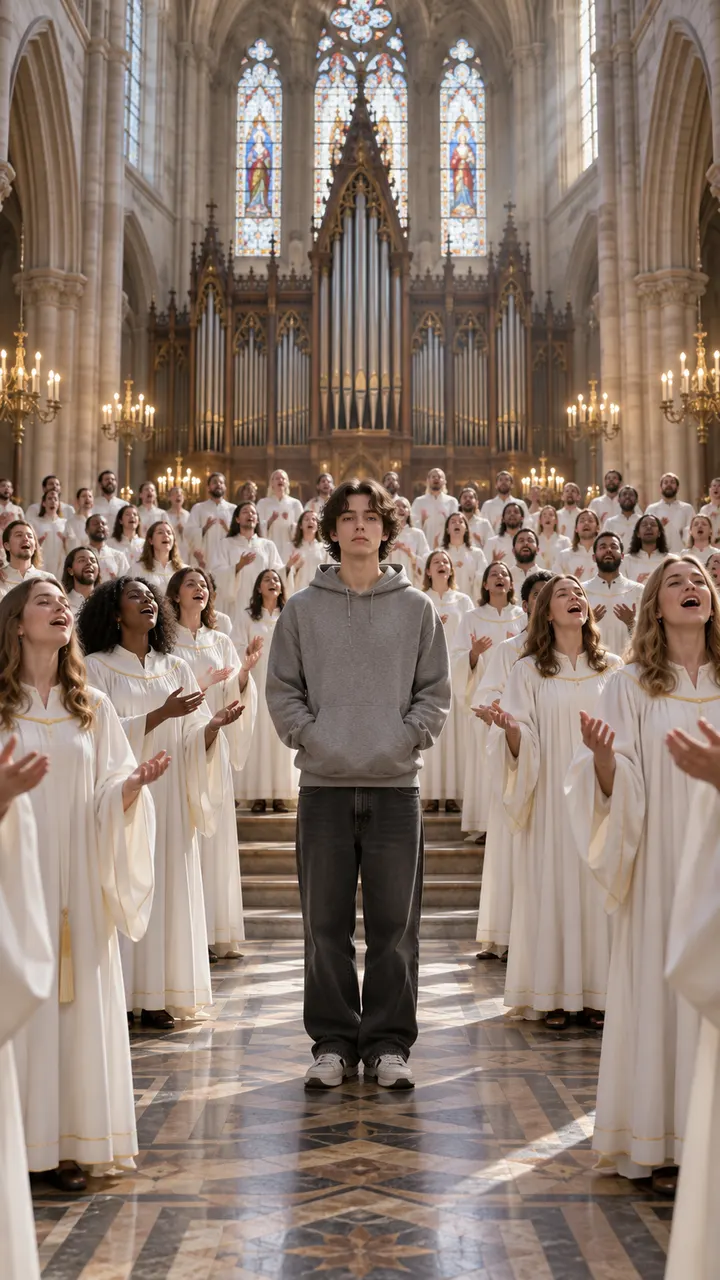
closed on sunday
1 photo, 100 credits
Most AI meme generators stop at a picture with a caption. This one finishes the job and hands you the video.
Start with the meme you have in mind, the one-line idea. Pick the trend that matches it, add a single photo, and the AI generates the whole clip again with you as the star: the moves, the camera and the sound.
You never write a prompt or touch a timeline. Each template already carries tested prompts and settings, so the result looks like the real trend, not a rough copy.
No prompt to write, no editing app, no filming. The shots, moves and sound are already tuned for every template.
Every template shows a sample clip and its price in credits before you start.
One clear photo of you, or of an adult friend who said yes. Front-facing and well lit works best.
In a few minutes you get a vertical MP4 with sound. Save it and post it wherever you like.
People search for both, and the words get mixed up. They describe two different ways to end up with the same clip.
An editor. You bring the footage, cut it on a timeline, add captions and music, then export. You stay in control, and it takes time and some editing skill.
AI makes the footage for you. You choose the meme and give it a photo, and the model generates a new clip with you in it. There is nothing to film and nothing to edit.
This site is a generator that works like a maker: you pick and direct, the AI does the filming and editing. If you want yourself in a trend without learning an editor, a generator is the faster path.
The best result is not just a clean AI render. Match the visual joke to the moment, use a photo that gives the model enough detail, and keep the caption short enough for the clip to do the talking.
Choose a template because it says something specific. Enzo turns a small personal win into a stadium celebration; Closed on Sunday makes a deadpan reaction funnier by surrounding it with an enthusiastic choir; Rumpelstiltskin confesses a harmless bit of mischief. Write the message you want to send before you choose. If it is about skill, use the semi-rabona or C-Walk. If it involves several friends, Tiny Desk gives everyone a role. This makes the finished video feel like a reply made for one conversation instead of a random AI effect.
Every template already has a setup and a reveal: the hands move behind the ears, the sole drags the ball, the camera finds the one still face, or the final slide shows the real costume. Do not cover those beats with a long title or extra stickers. Upload one sharp photo with an unobstructed face, and use a full-body image when legs and shoes matter. When a trend depends on a recognizable song, add the licensed sound inside TikTok or Instagram while posting. Your generated clip supplies the action; the platform supplies the music and playback context.
A group-chat video needs almost no explanation because the recipients already know the joke. TikTok and Reels usually work better with one concrete caption about a friend, a small win or an everyday disappointment. YouTube Shorts viewers may need the trend name in the title to understand the reference. Download the vertical file and post it without adding borders or a second watermark. For photo-mode trends, keep all three slides in order so the confession arrives before the real picture. If a render fails, the credits return automatically and you can retry with a clearer photo.
Vertical 9:16 clips with sound and no watermark, sized for TikTok, Instagram Reels and YouTube Shorts.
If a video fails or times out, every credit goes back to your balance automatically.
Only photos of yourself, your own kids, or adults who said yes. No celebrities and no intimate content. Every upload is checked first.
A trend pays off most in its first days. We add new templates every week, often while the original is still on the rise.
An HD (720p) meme video is 100 credits, a Standard (480p) one is 50. Credits never expire, and a failed render gives them back.
Standard Video
Try it with one full video
50 credits: 1 Standard video (480p)
1 HD Video
Sharp 720p, made for posting
100 credits: 1 HD video or 2 Standard
2 HD Videos
One for you, one for your best friend
200 credits: 2 HD or 4 Standard videos, about $8.50 each
3 HD Videos
You, your friend and the family pet
300 credits: 3 HD or 6 Standard videos, about $8.33 each
Anything else? Open a ticket from your account and a real person will reply.
Pick a template, add one photo and see the price before you pay.
Find your meme